
Team leads and facilitators
Invite your team and track completion
Add people, resend invitations, and see who still has the diagnostic outstanding.
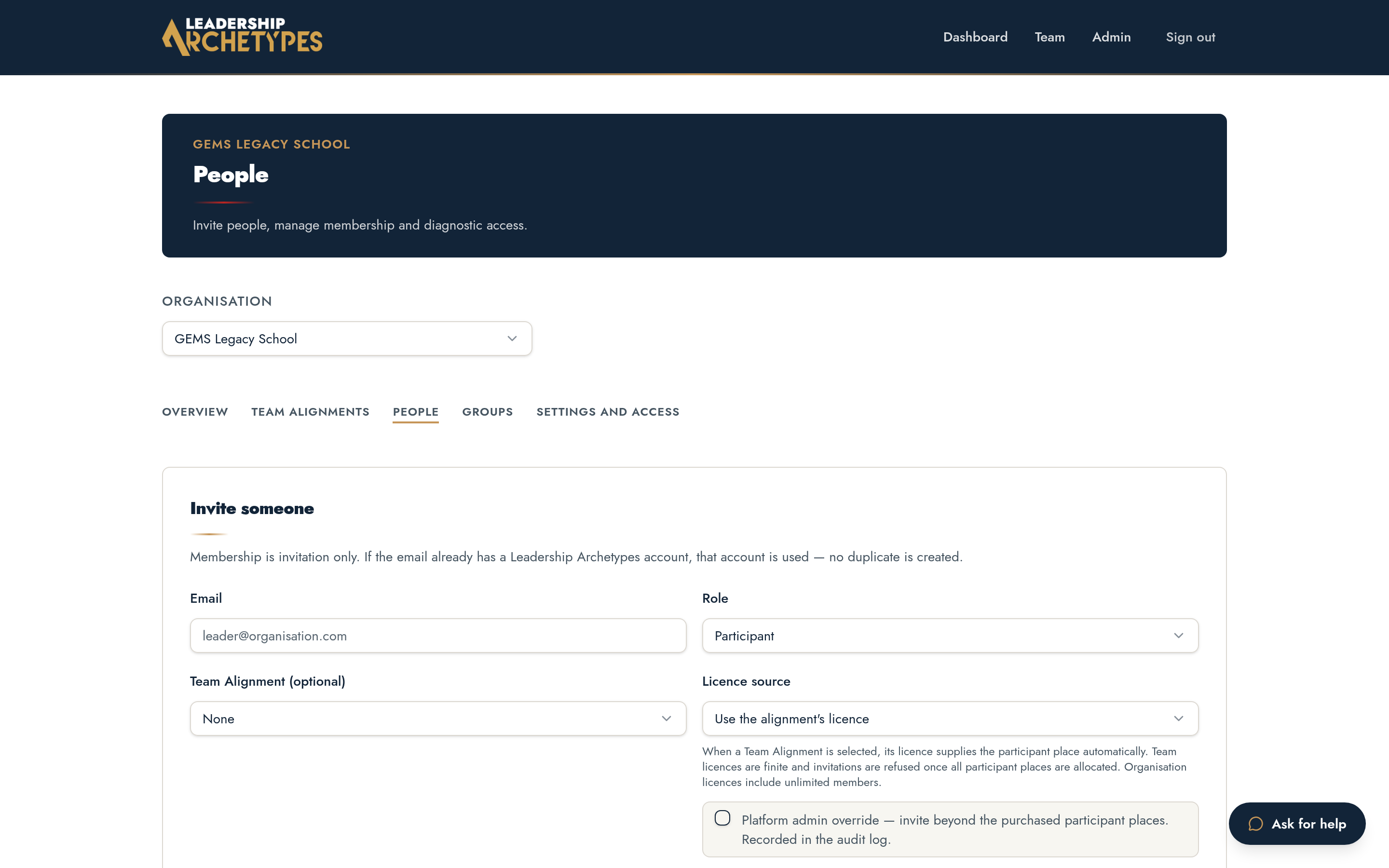
Send invitations
- 1
Open your team, then People.
- 2
Add each member's email address; each invitation consumes one seat on the licence.
- 3
Send. Members receive a link that creates their account against your alignment.
Track completion
The roster shows invited, joined and completed for each person. Facilitators see completion state only — never anyone's answers or individual results.
Stages that need the whole team unlock once completion reaches the threshold shown on the stage rail.
Corrections
- 1
Resend an invitation if it was missed or the link expired.
- 2
Remove an invitation that was sent to the wrong address; the seat returns to the licence.
- 3
Replace a person who has left by removing them and inviting their successor.