
Organisation admins
Set up your organisation and teams
Name your organisation, create teams, and appoint the person who leads each alignment.
Your organisation
Your organisation is created with your first purchase or invoice request. Subsequent purchases attach to the same organisation rather than creating a duplicate.
Create a team
- 1
Open Teams and create a team with a name people will recognise.
- 2
Appoint the person who will lead the alignment; they can invite and facilitate.
- 3
Create the Team Alignment once the licence is active.
Admins, coaches and facilitators
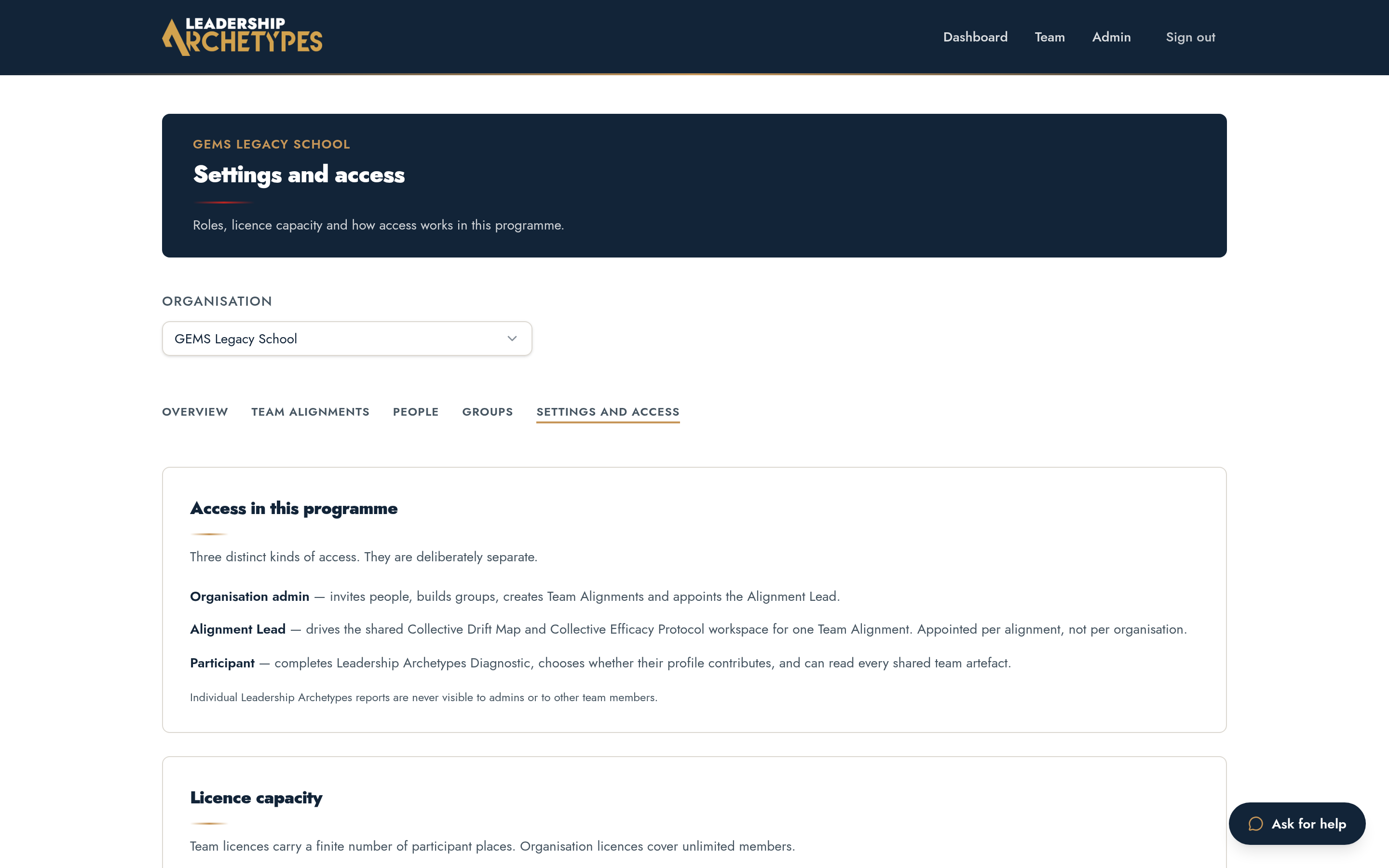
Organisation admins manage licences, teams and people. Coaches and facilitators run alignments. None of these roles can see an individual's diagnostic answers or personal report.