
Organisation admins
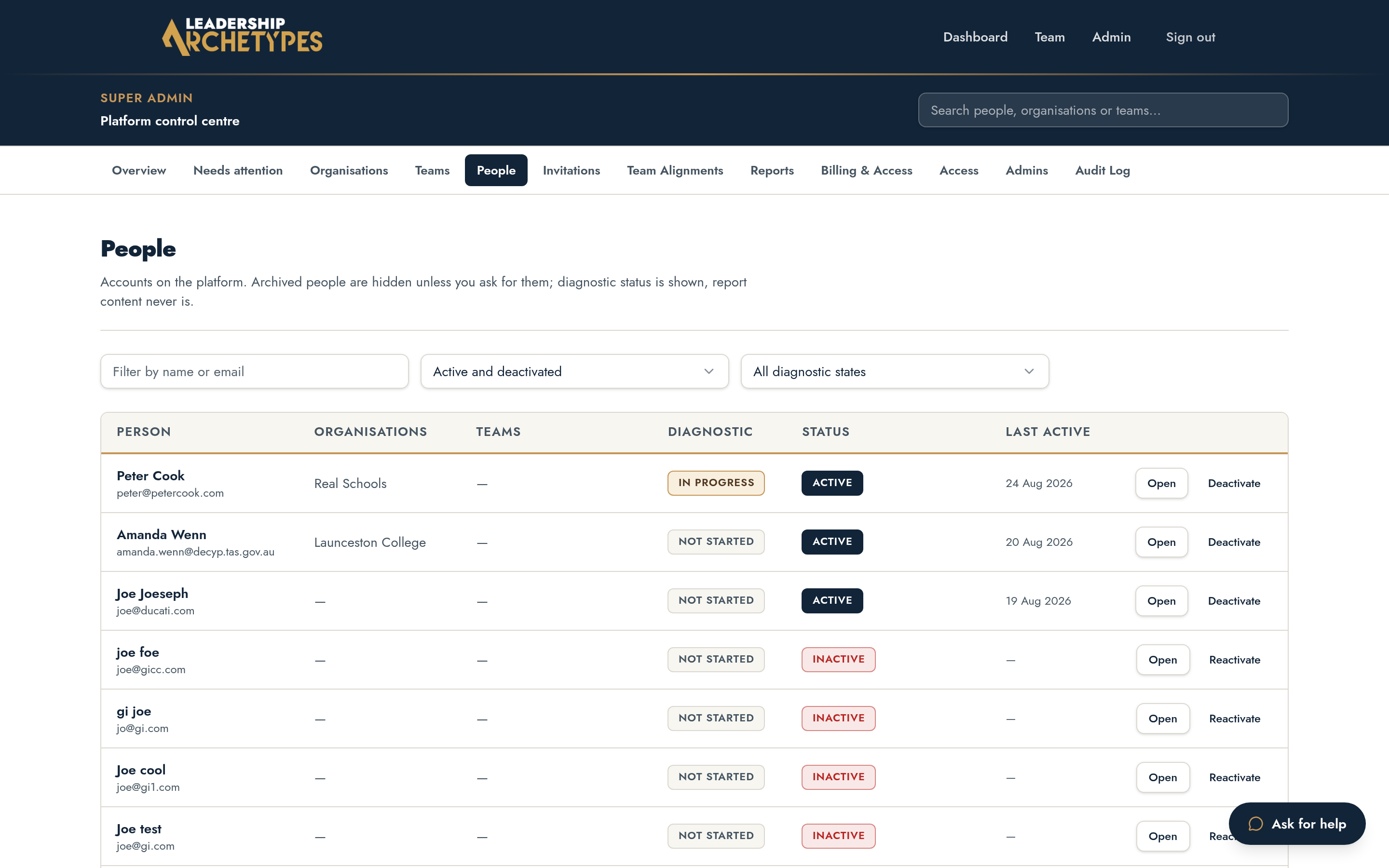
Manage people, deactivation and archiving
Remove access without destroying records, and keep rosters clean.
Active, deactivated, archived
- 1
Active: normal access.
- 2
Deactivated: access is removed; the person and their records remain visible to admins.
- 3
Archived: access is removed and the person is hidden from rosters and lists.
Records are never deleted. Archiving is the way to clear test or unwanted accounts out of view.
Change someone's state
- 1
Open the person from People in the admin area.
- 2
Choose Deactivate or Archive.
- 3
Return them to active at any time; their history is intact.
When someone leaves mid-alignment
Deactivate them. Their completion still counts toward evidence the team already approved, and the alignment continues without reopening settled work.