
Participants
Create your account and sign in
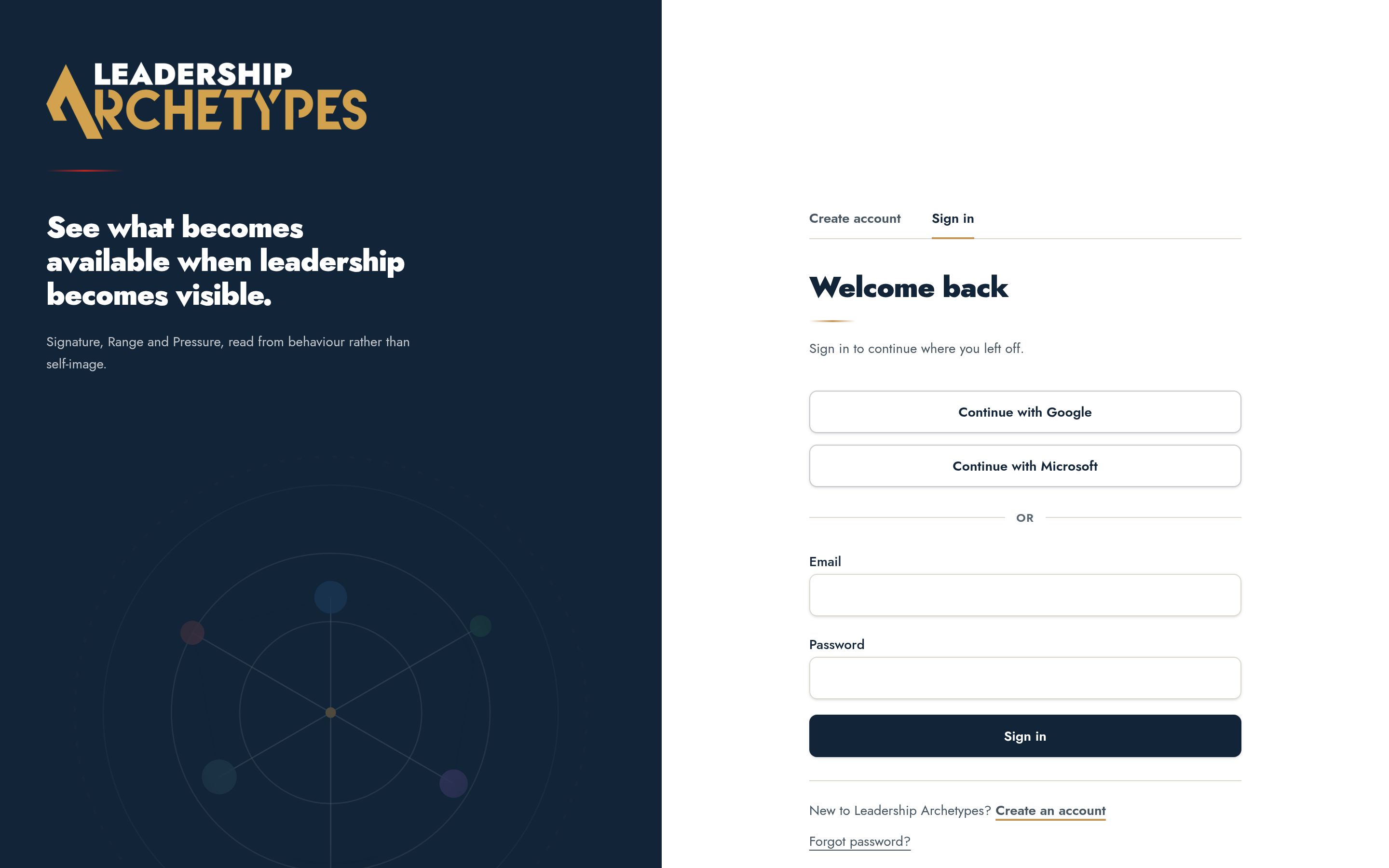
Sign in with Google, Microsoft or an email address, and know which method to use next time.
Choose a sign-in method
Leadership Archetypes supports Google, Microsoft and email with a password. Whichever you pick becomes the way back into the same account, so choose the identity you use for work.
- 1
Open the sign-in page and select Create account.
- 2
Choose Continue with Google, Continue with Microsoft, or enter an email address and password.
- 3
For email sign-up, confirm the address from the message that arrives, then return and sign in.
Joining from a team invitation
An invitation link carries your place on a team. Open the link first and create the account from that page, so your completion is counted against the right Team Alignment.
Signing up separately and then opening the invitation still works — accept the invitation while signed in.
If you cannot get in
- 1
Use Forgot password on the sign-in page to receive a reset link.
- 2
Check whether the account was created with Google or Microsoft; a password reset will not apply to those.
- 3
If an email never arrives, check junk mail and confirm the address has no typo.